The task
People installed the app but got lost on the way to a subscription. It needed a full redesign.
MusConv moves playlists, albums and tracks between music services: Apple Music, Spotify, YouTube Music and others. I redesigned the mobile app from start to finish — 44 screens, from choosing a service to paying. The development team supplied the analytics and the requirements.
Transfer
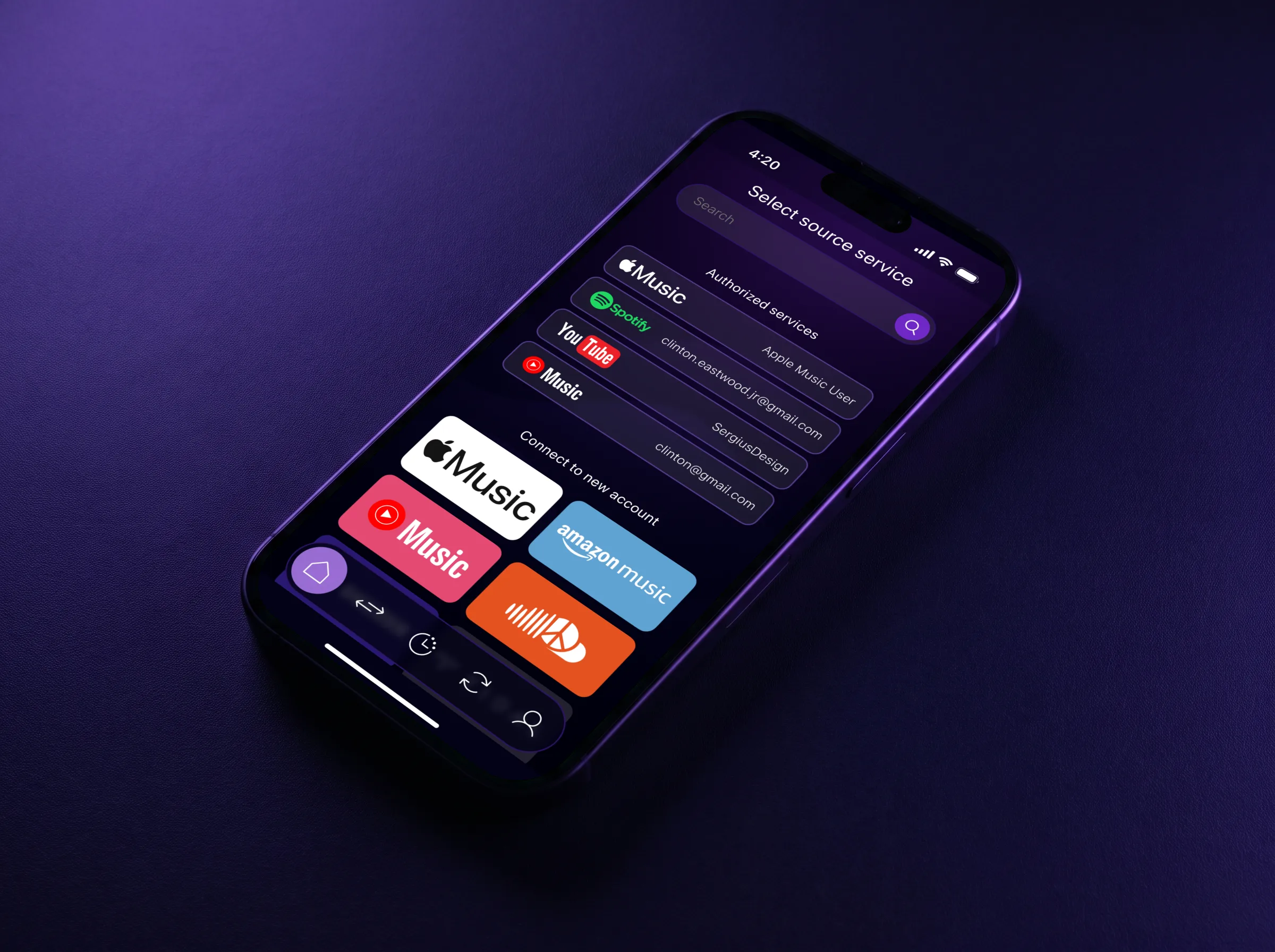
Moving music takes three decisions: where from, what exactly, and where to.
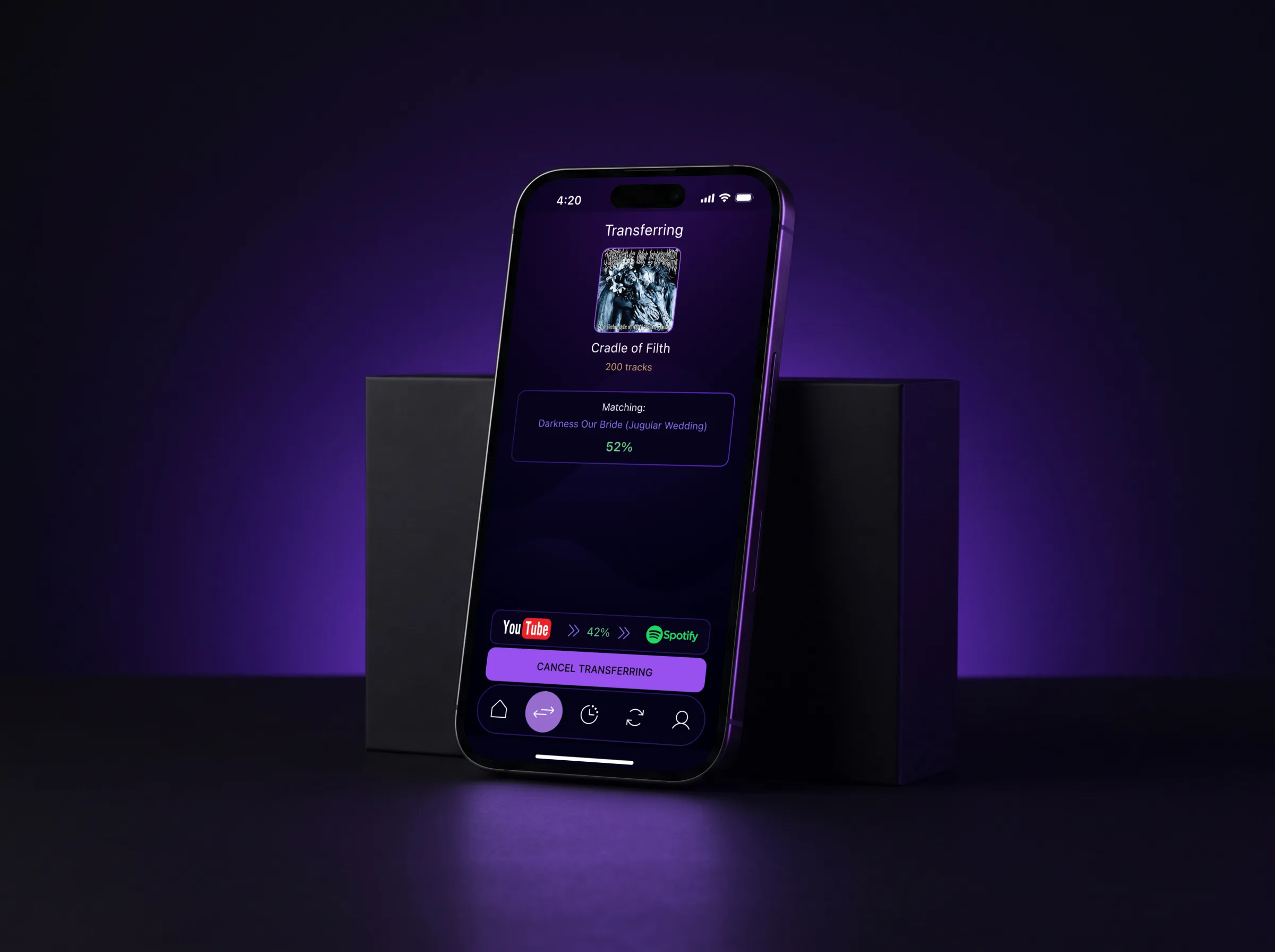
After that the app does the work, and the screen shows which track it is matching right now and how much is done.
Auto sync
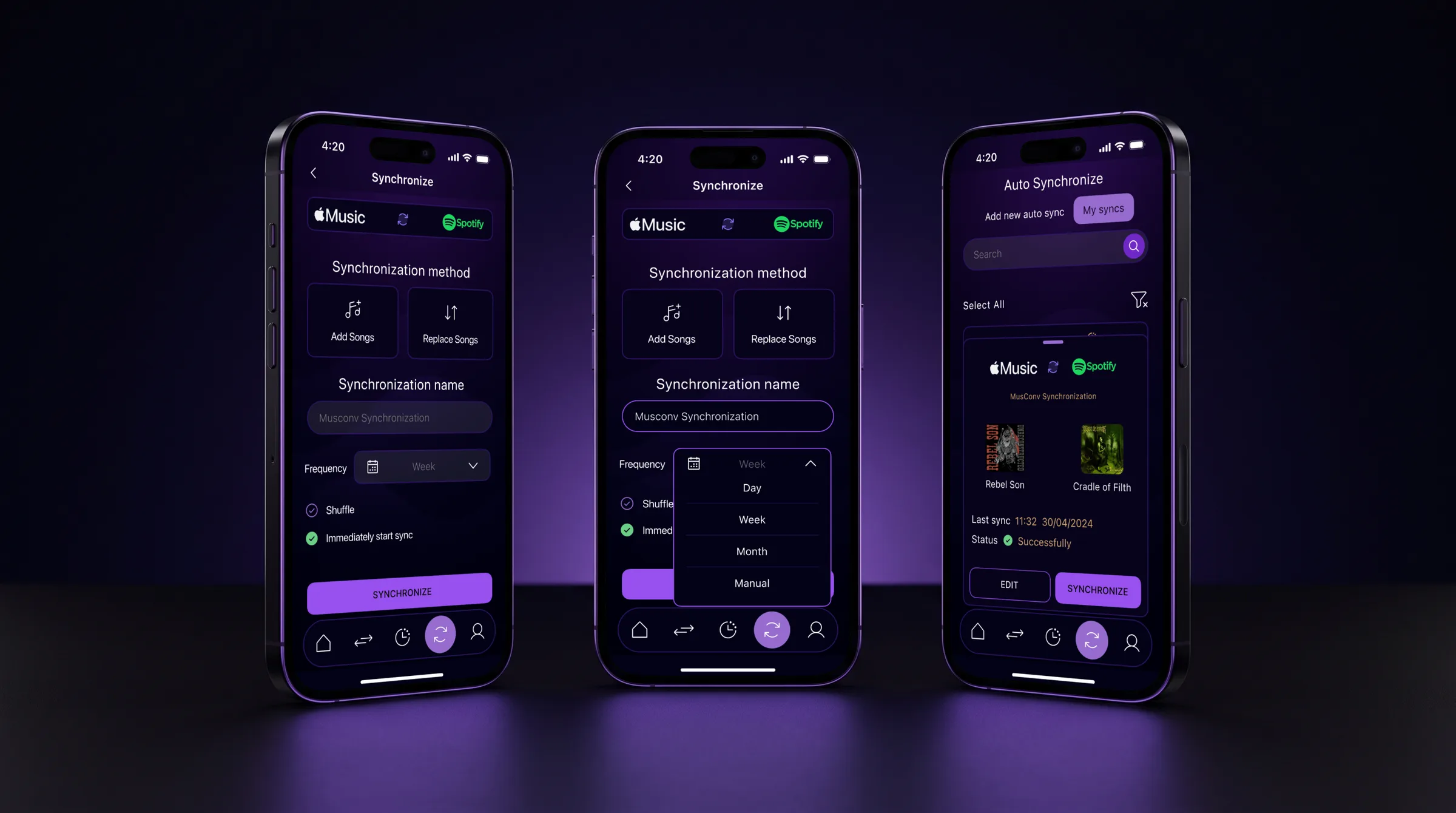
A sync is set up once: two services, a method and a frequency.
Add new songs or replace the list, daily, weekly or monthly — after that the libraries update themselves. Each sync shows when it last ran and how it ended.
Subscription
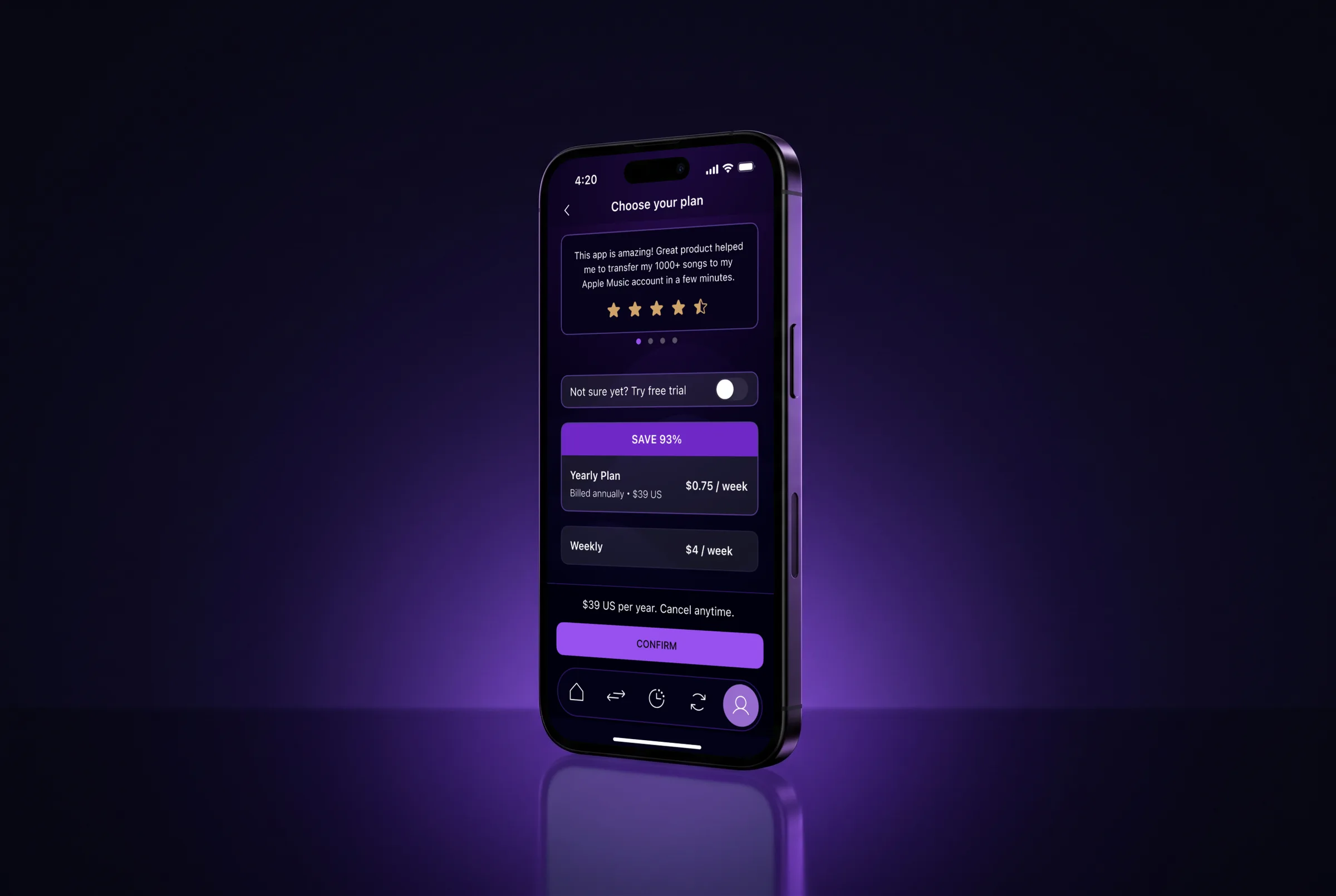
The plans fit on one screen: yearly, weekly and a free trial.
The price is visible straight away, per week and per year, and under the button it says the subscription can be cancelled at any time.
The result
+12%
After the redesign, install-to-paid conversion rose 12%, measured by the development team’s analytics.
Next project
This site
Portfolio site, end to end