NextDue
Personal macOS app for tracking subscriptions
- A personal product, not a client project. The screens show made-up subscriptions
- Product design, UI, design system. Built with Claude Code
The task
Subscriptions are easy to start and easy to forget, and free trials quietly turn into charges.
Subscriptions come in different currencies and renew on different days. I wanted one place on my Mac that answers three questions at a glance: how much I pay this month, what the next payment is, and how much subscriptions cost me per year. I set myself one condition: the data stays on this Mac — no account, no password, no server.
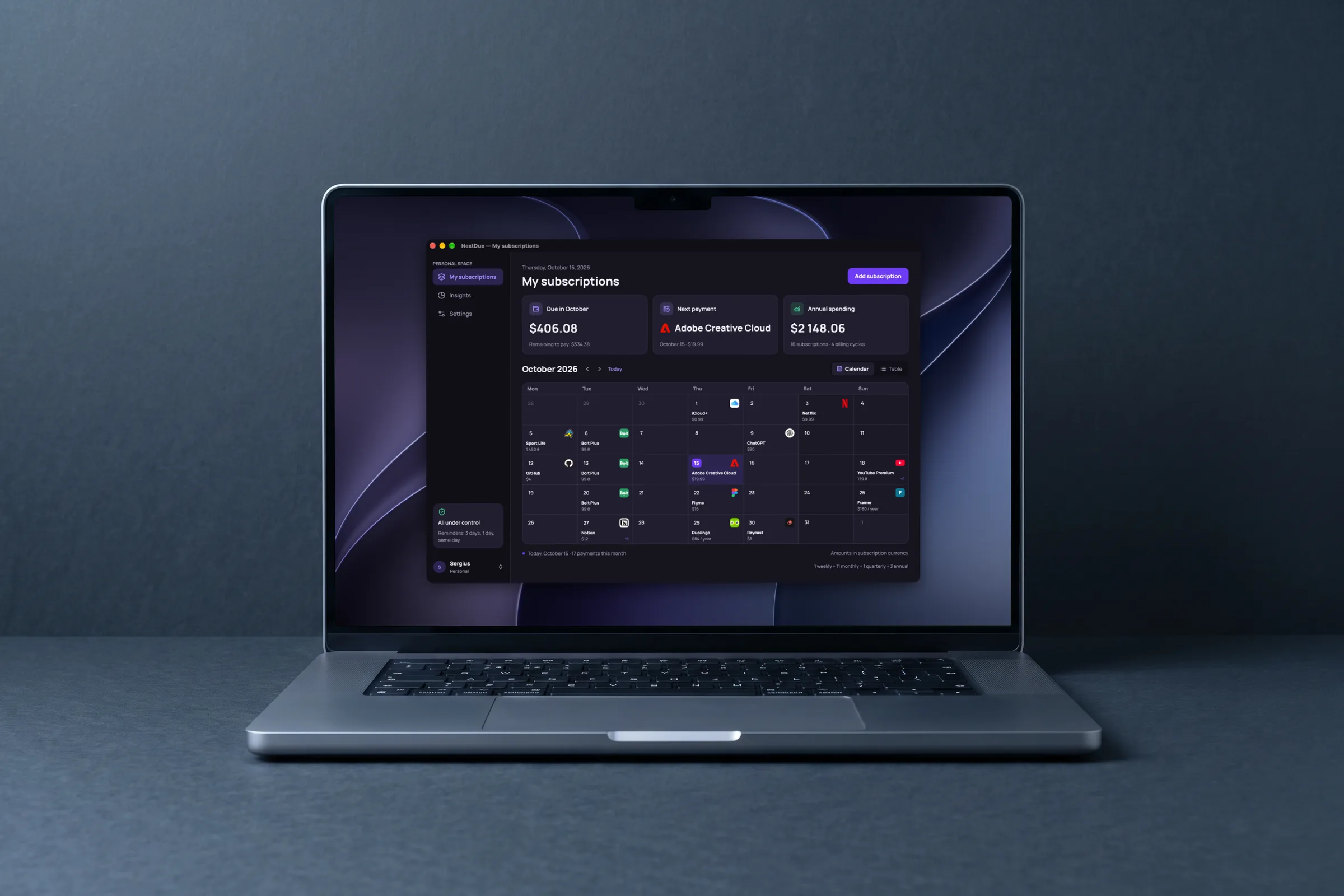
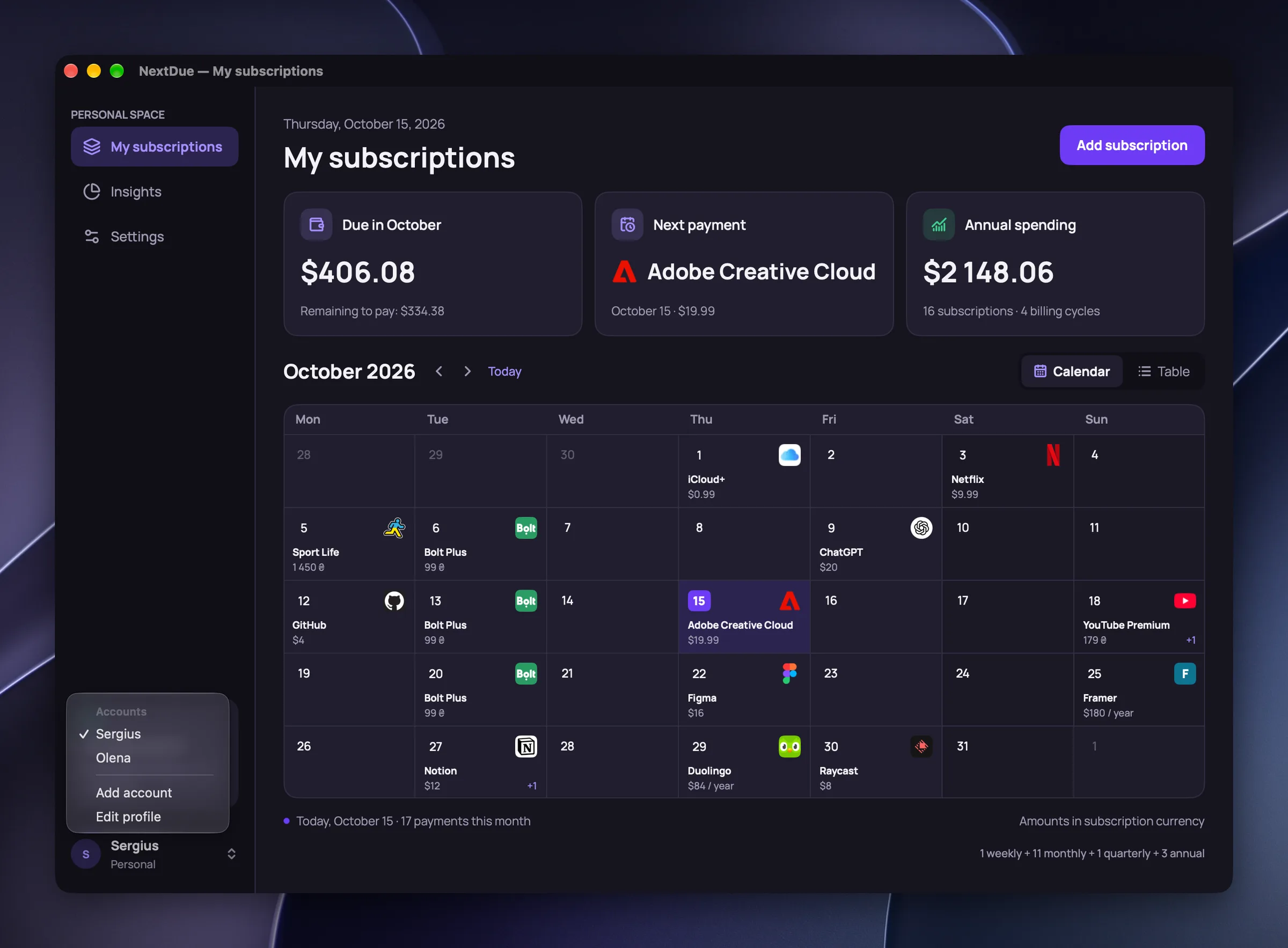
Calendar
The main screen answers the three questions before the first click.
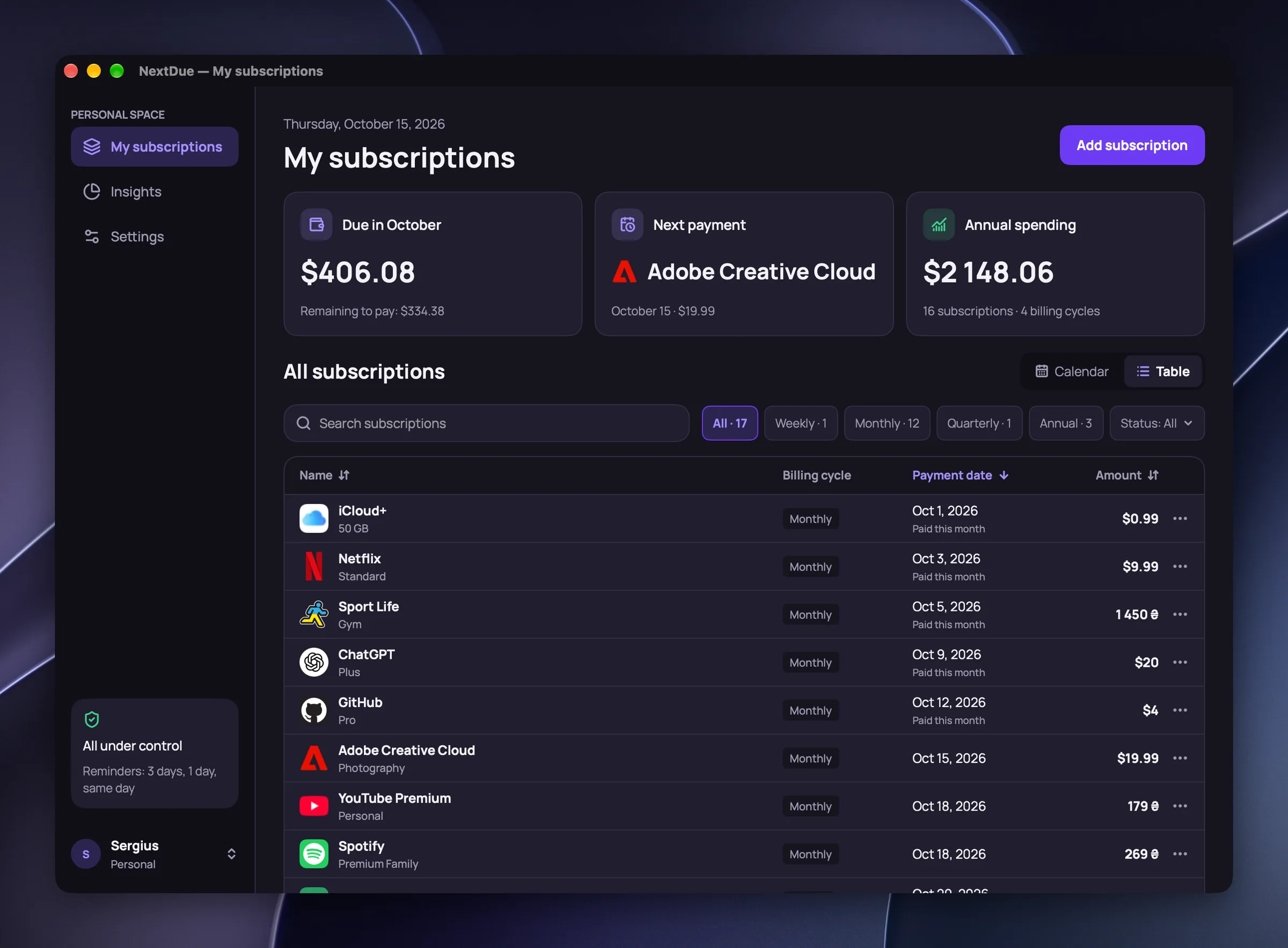
The three cards on top are those three questions. Below them is the month calendar, and the same data can be seen as a table. The totals match everywhere — in the cards, the calendar, the table and the insights — because one rule calculates them.
Adding
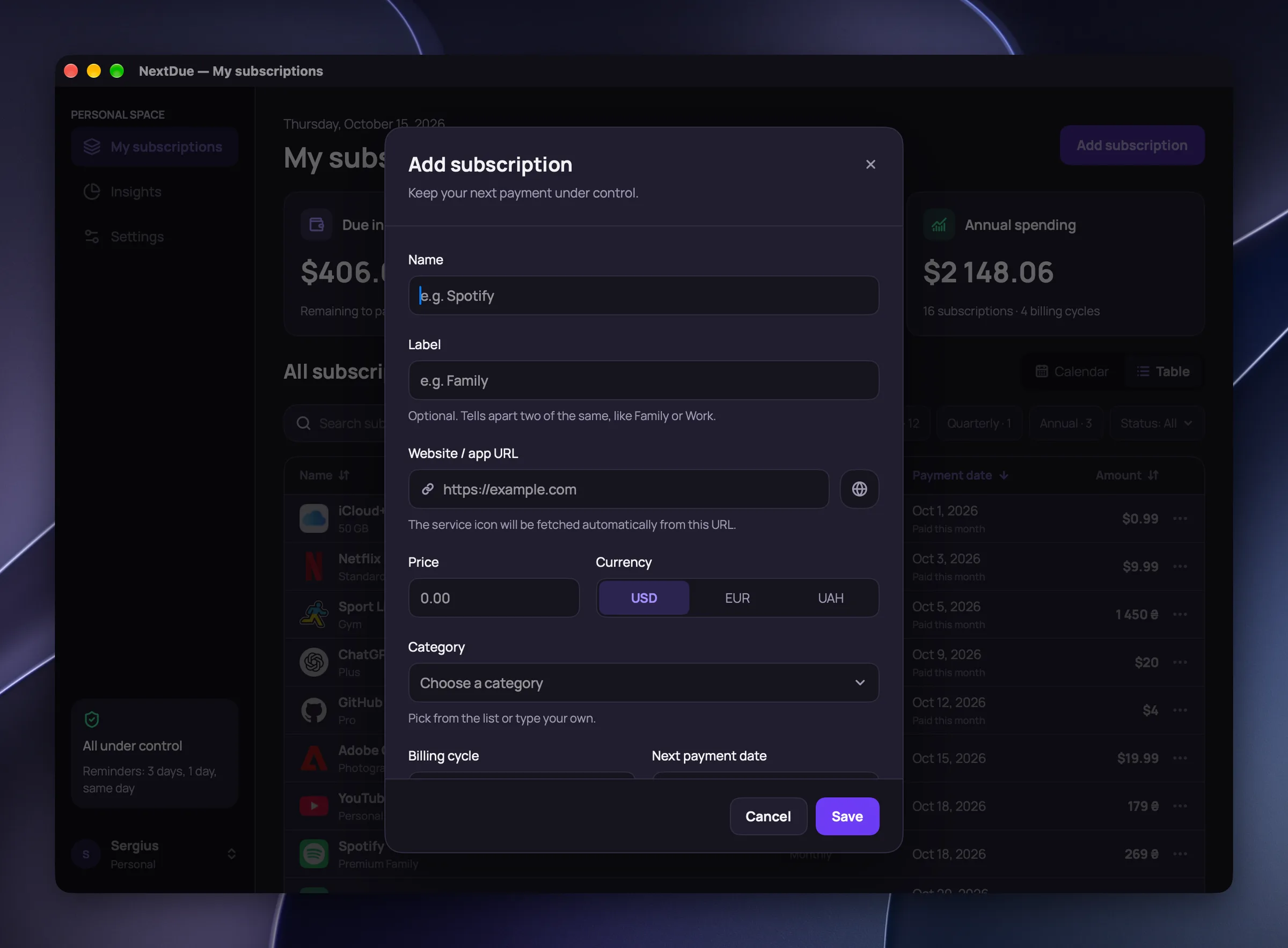
Only the name, price and date are required; the rest helps later.
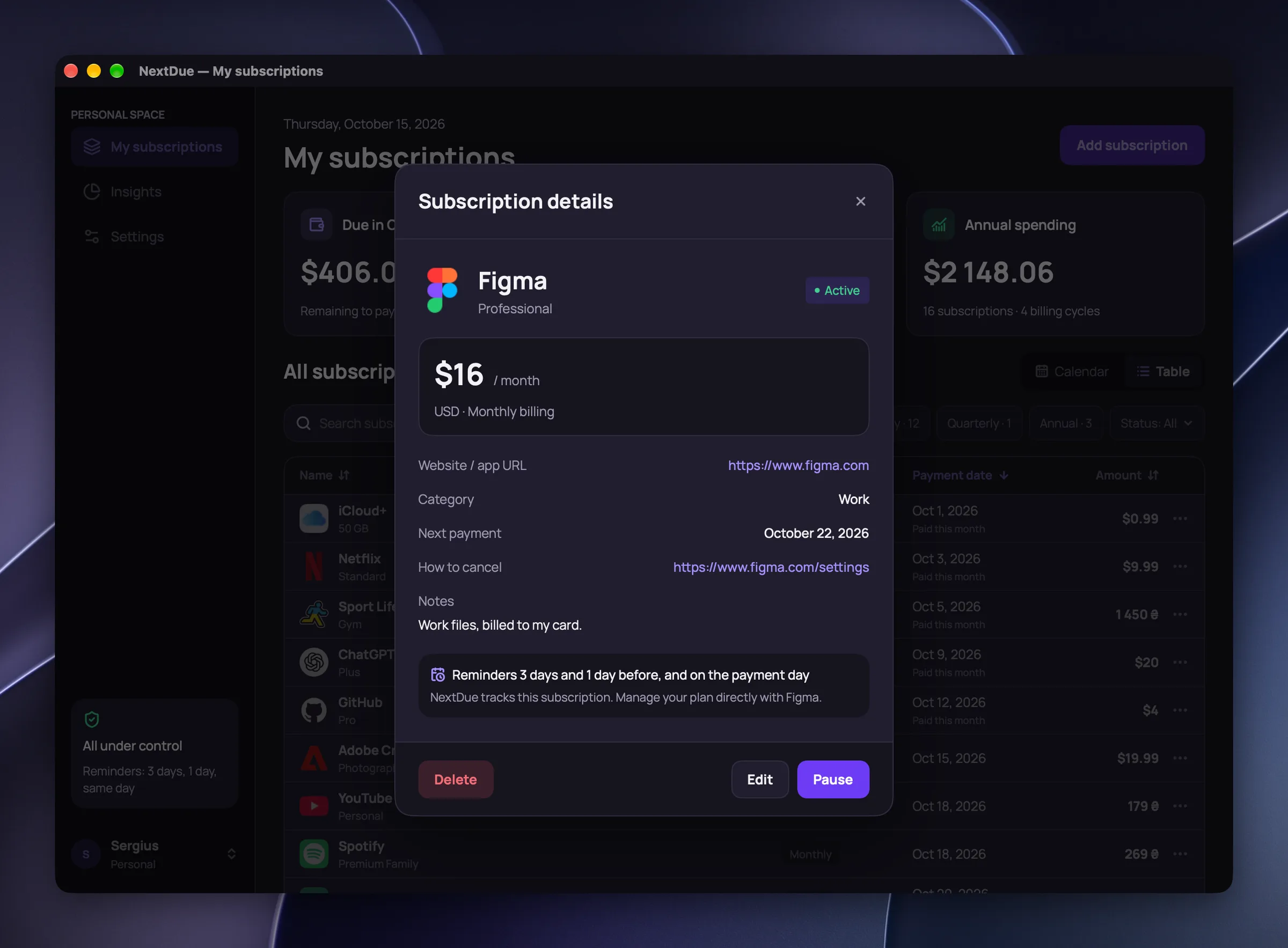
A label tells apart two of the same, like a personal and a work YouTube account. From the website address the app fetches the service icon itself, straight from the site, without third-party icon services. There is a free trial, reminders and a link to the cancellation page.
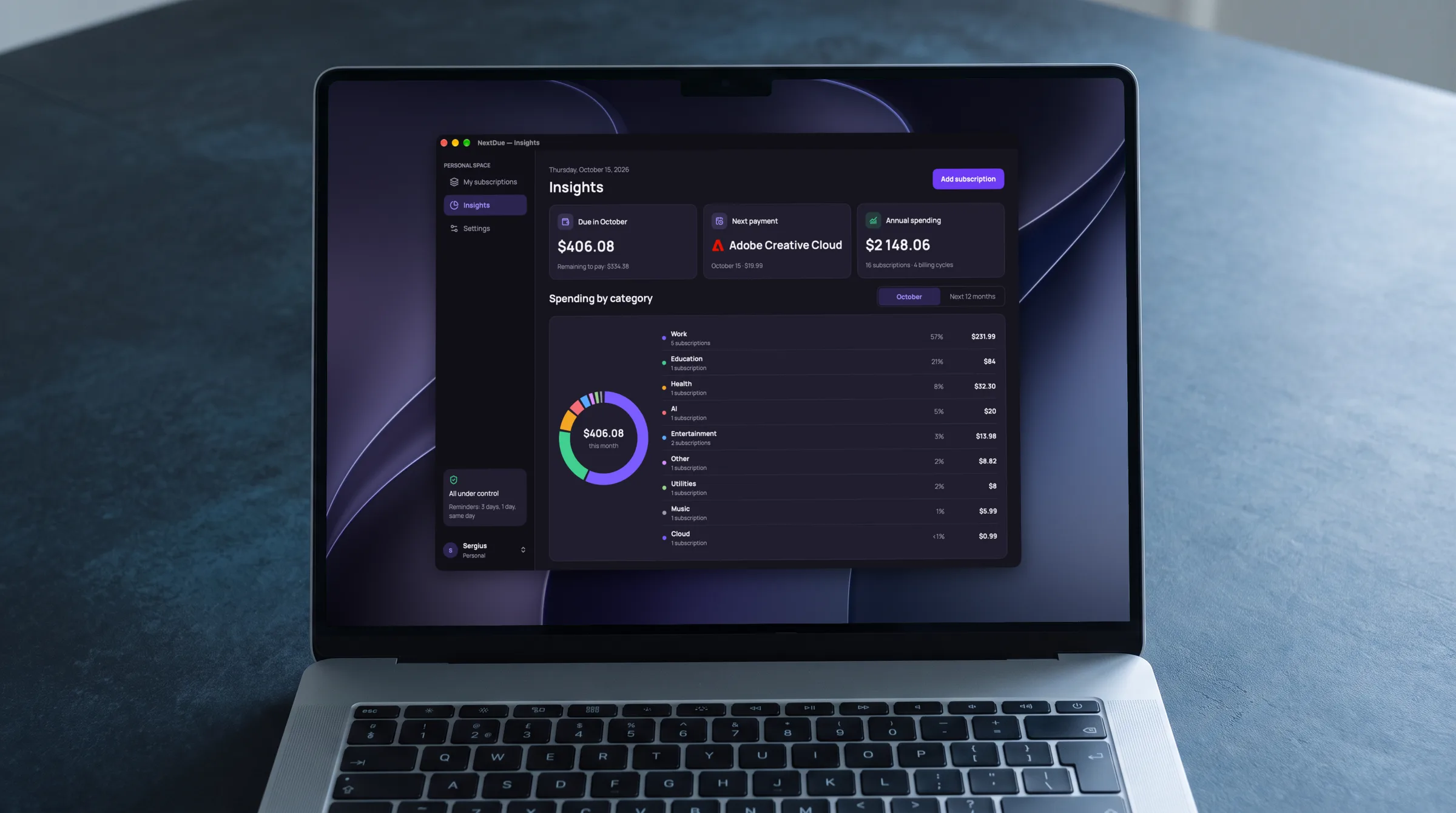
Insights
Spending by category for this month or the next 12, in one base currency.
Exchange rates come once a day from the National Bank of Ukraine. Without internet the app uses the last saved rate.
Accounts
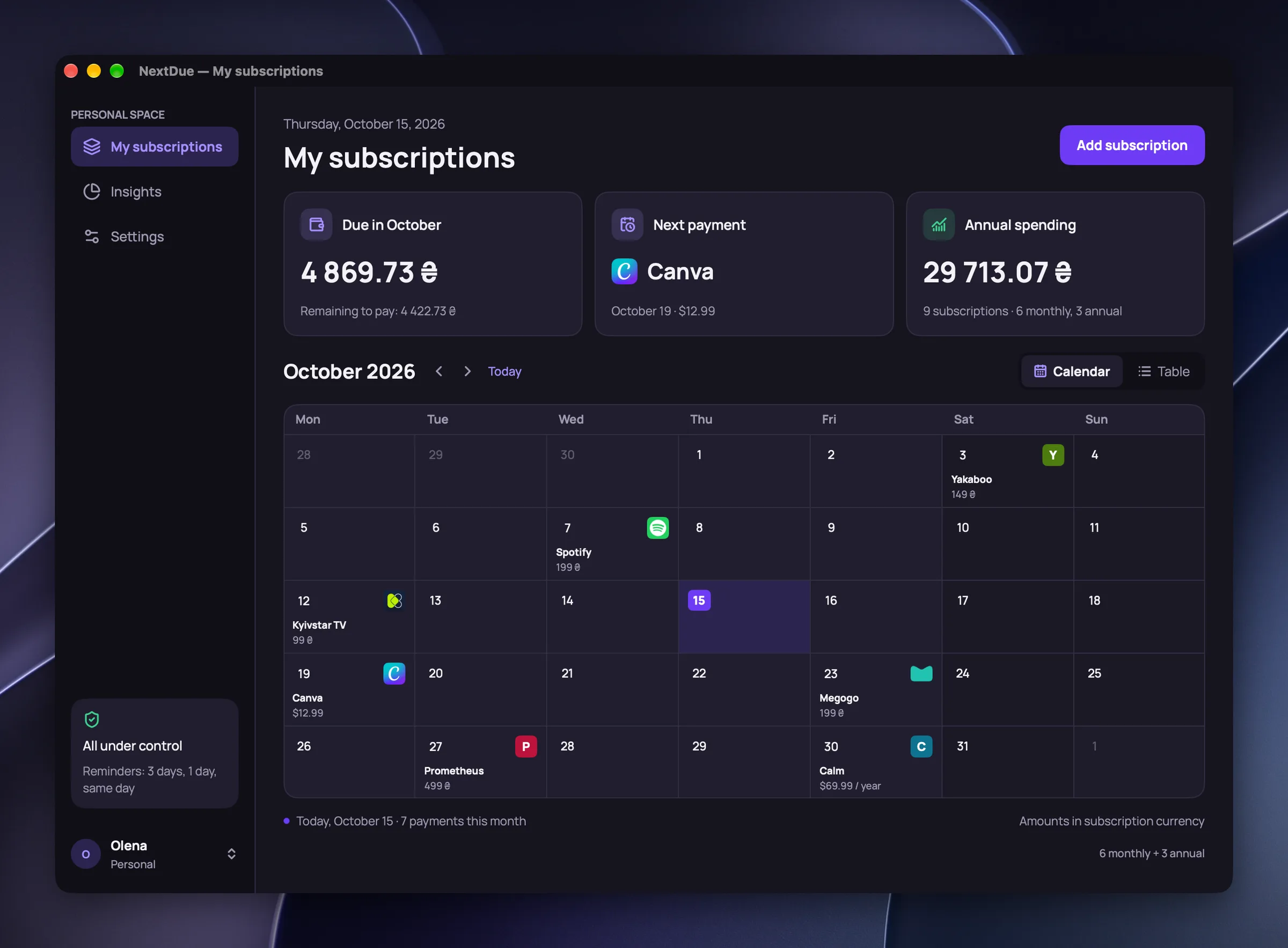
One Mac can hold several accounts, each with its own subscriptions and settings.
You switch between them from the profile menu at the bottom of the sidebar, with no password. A new account is created in the same window as the first one: a nickname and, if you like, a photo. Reminders and the menu bar show payments of the active account only.
Always at hand
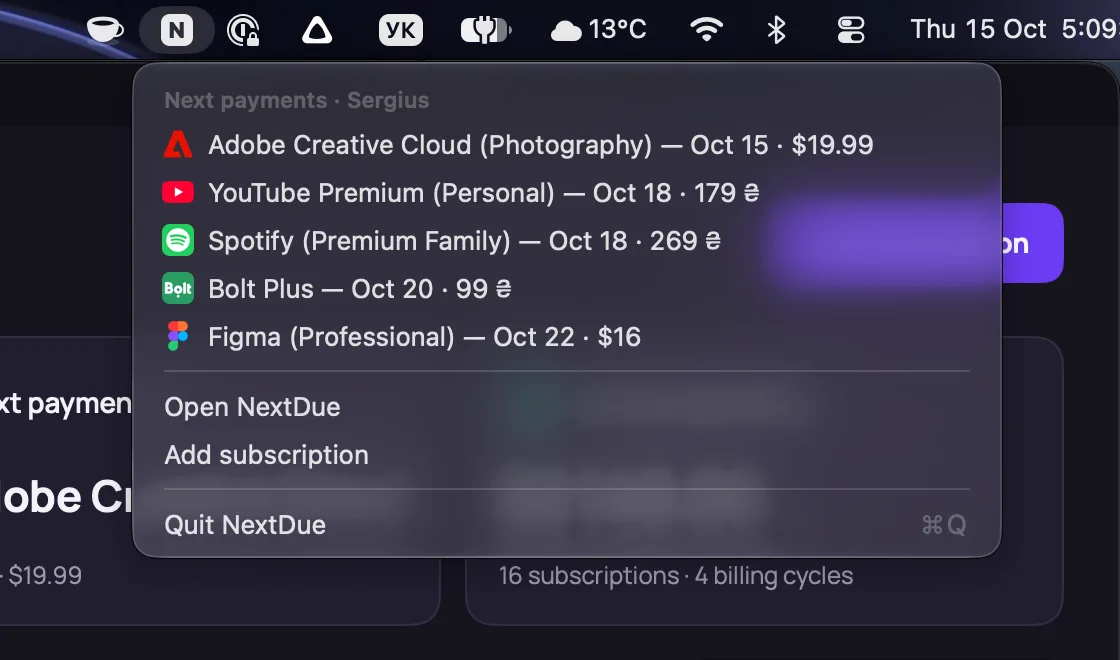
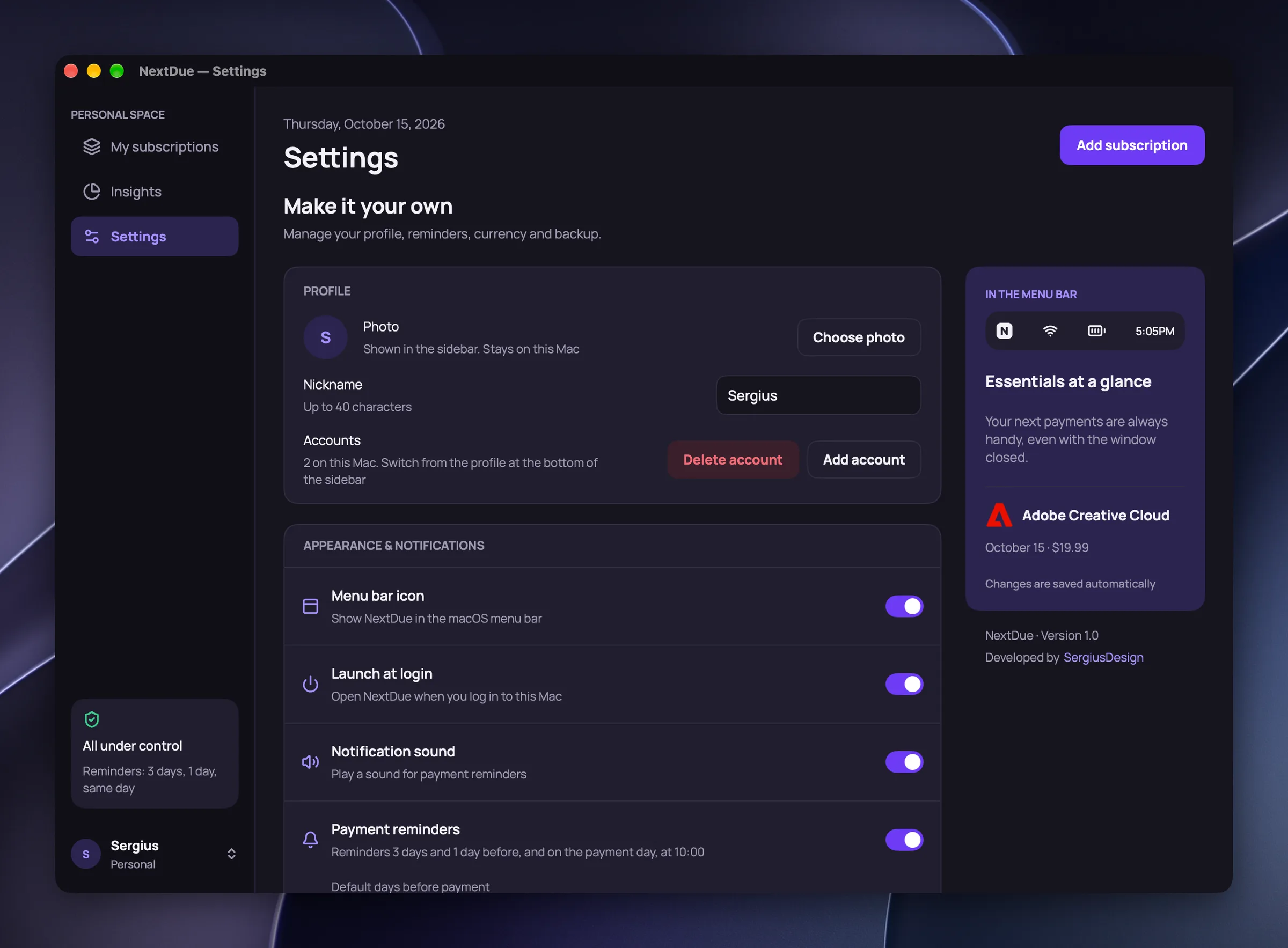
The next five payments are one click away in the menu bar, even with the window closed.
Reminders are ordinary macOS notifications: three days before, one day before and on the payment day. Settings apply right away; there is no Save button.
The result
NextDue 1.0 is installed on my Mac and in daily use. It replaced my old subscription tracker.
You can buy NextDue for your own Mac for $10: a one-time payment, no subscription. If you’re interested, write to me.
Next project
Payvane
Concept: supplier invoices in a spend platform